
Oumi v0.5.0: Data Synthesis, OpenEnv, Hyper-param Tuning
Major new features!
By Stefan Webb and Oussama ELACHQAR
November 20, 2025
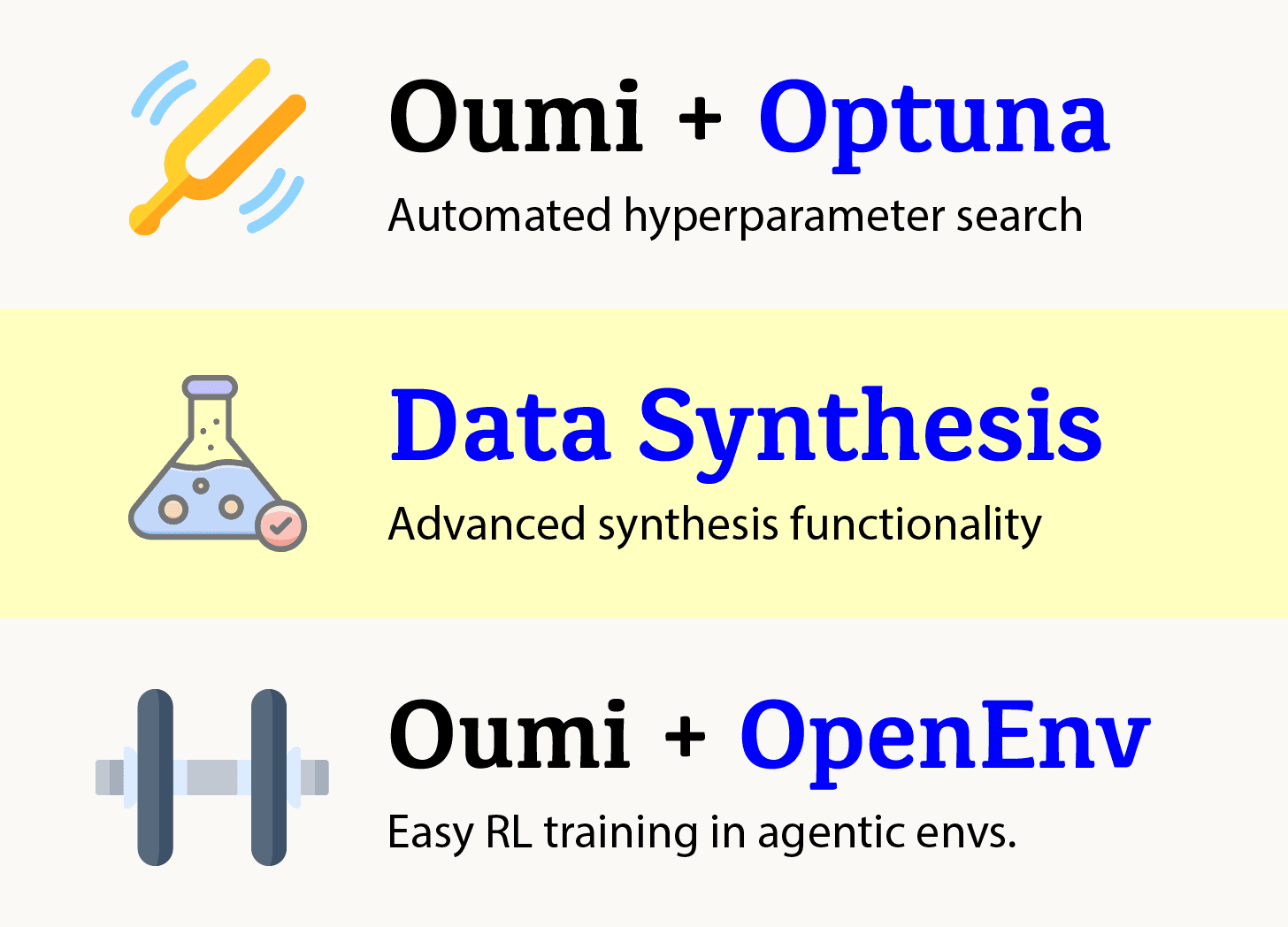
We’re thrilled to announce Oumi v0.5.0, our most feature-rich release yet! This version introduces powerful hyperparameter optimization, seamless AWS integration, automated data synthesis, knowledge distillation capabilities, and enhanced reinforcement learning workflows. Whether you’re fine-tuning on HPC clusters or scaling with cloud infrastructure, Oumi v0.5.0 has you covered.
What’s New in v0.5
1. Hyperparameter Tuning with oumi tune
Finding the right hyperparameters can be the difference between a mediocre model and state-of-the-art performance. Oumi v0.5.0 introduces oumi tune, a built-in hyperparameter search module powered by Optuna that makes systematic optimization effortless.
Key Features:
-
🔍 Systematic search through hyperparameter spaces using TPE or random sampling
-
🎯 Multi-objective optimization (e.g., minimize loss while maximizing accuracy)
-
📊 Support for categorical, integer, uniform, and log-uniform parameter types
-
💾 Automatic tracking of trials with CSV results and best model checkpoints
Quick Start:
pip install oumi[tune]
oumi tune -c configs/recipes/smollm/tuning/135m/tune.yaml
Define your search space in a config with tunable_training_params (learning rate, optimizer, batch size, etc.) and fixed_training_params (what stays constant). Specify your optimization goals with evaluation_metrics and let Optuna find the best configuration across n_trials.
Example: Search over learning rates (log-uniform from 1e-5 to 1e-2), optimizers (categorical: adamw, sgd, adafactor), and LoRA ranks while keeping batch size fixed. See the full example config for details.
Learn More: Hyperparameter Tuning Guide
2. AWS Bedrock Integration
Deploy and scale your inference workloads with AWS Bedrock, now fully integrated into Oumi. Access Claude, Llama, Titan, and other foundation models through AWS infrastructure without managing your own servers.
Key Features:
-
☁️ Access to multiple foundation models via a unified interface
-
🔒 Enterprise-grade security with IAM integration
-
🖼️ Multimodal support including images from S3 URIs
-
⚡ Async inference with configurable concurrency and retry logic
Quick Start:
pip install boto3
export AWS_REGION=us-east-1
oumi infer --engine BEDROCK --model.model_name amazon.nova-lite-v1:0
Initialize a BedrockInferenceEngine with your model ID, configure generation parameters, and run inference just like any other Oumi engine. AWS credentials are handled automatically via your standard AWS configuration.
Learn More: Inference Engines Guide
3. Knowledge Distillation with GKD Trainer
Model compression just got easier with support for Generalized Knowledge Distillation (GKD). Train smaller, faster models that maintain the capabilities of larger teachers using on-policy distillation, based on “On-Policy Distillation of Language Models”.
How It Works: The student model generates outputs and learns from teacher corrections in real-time. Unlike traditional distillation, GKD uses on-policy data (student’s own generations) alongside off-policy data (dataset examples), helping students learn from their own mistakes.
Key Parameters:
-
teacher_model_name_or_path: Your larger teacher model -
lambda (0.0-1.0): Mix of on-policy vs. off-policy data (0.5 = 50/50 split) -
beta (0.0-1.0): Divergence type (0.5 = symmetric Jensen-Shannon divergence)
Quick Start:
oumi train -c configs/examples/gkd/train.yaml
Set trainer_type: TRL_GKD in your config, specify the teacher model in the gkd section, and ensure your dataset has return_conversations: True. The student learns by comparing its generations against the teacher’s on the same prompts. See the full example config.
Learn More: GKD Training Documentation
4. OpenEnv Reinforcement Learning Training
Take your RL workflows to the next level with OpenEnv integration. Train models using environment-based rewards with GRPO (Group Relative Policy Optimization), vLLM acceleration, and automatic reward visualization.
Key Features:
-
🎮 Custom environment integration via rollout functions
-
⚡ vLLM-accelerated generation for faster training
-
📈 Automatic W&B tracking of rewards, KL divergence, and completion stats
-
🎯 Support for both environment-based and custom reward functions
How It Works: Define a custom rollout function that generates completions via vLLM and obtains rewards from your environment (e.g., OpenEnv Echo, task verification, etc.). Register custom reward functions to extract environment feedback. GRPO optimizes the policy using these rewards while staying close to the reference model.
Quick Start:
oumi train -c configs/examples/grpo_tldr/train.yaml
Set trainer_type: TRL_GRPO or VERL_GRPO, enable use_vllm: True in the grpo section, and specify your rollout_function and reward_functions. The framework handles generation, environment interaction, and policy optimization automatically.
Example Notebook: Check out OpenEnv GRPO with TRL for a complete walkthrough with the Echo environment.
5. Data Synthesis with oumi synth
Creating high-quality training datasets is often the bottleneck in AI development. Oumi v0.5 introduces oumi synth, a powerful data synthesis module that uses LLMs to automatically generate diverse, structured training data based on your specifications.
Key Features:
-
🎯 Template-based generation with attribute control (difficulty, style, domain, etc.)
-
🔄 Multi-turn conversation synthesis with different personas
-
📚 Domain-specific dataset creation (legal, medical, technical, etc.)
-
🧩 Data augmentation to expand existing small datasets
-
📊 Support for instruction-following, QA, and conversational formats
Quick Start:
pip install oumi[synth]
oumi synth -c configs/examples/synthesis/instruction_following_synth.yaml
Define your data schema with sampled_attributes (what varies: topic, difficulty, style), create generation templates with generated_attributes (how the AI creates content), and let the system produce diverse examples. The synthesis engine intelligently combines different attribute values to maximize dataset diversity.
Example Use Cases:
-
Instruction-following datasets: Generate task instructions across multiple domains (creative writing, analysis, programming, math) with varying complexity levels
-
Multi-turn conversations: Create realistic customer support dialogues with different scenarios and personality types
-
Question-answer pairs: Build domain-specific QA datasets for training chatbots
-
Data augmentation: Expand small seed datasets by generating variations
Learn More: Data Synthesis Guide
New Contributors
A huge welcome to our new contributors who helped make v0.5 possible:
-
@gbladislau
-
@oumiandy
-
@AliliRayane
Thank you for your contributions!
Get Started with Oumi v0.5
Installation
## Core installation
pip install oumi

## With hyperparameter tuning
pip install oumi[tune]

## With synthesis
pip install oumi[synth]
Documentation
Example Configs
Check out the example configs in the repository:
-
Hyperparameter Tuning - SmolLM tuning example
-
Knowledge Distillation - GKD training config
-
GRPO Training - Math reasoning with GRPO
-
Data Synthesis - Instruction-following, QA, conversation, and augmentation examples
-
OpenEnv RL Tutorial - Complete walkthrough notebook
Full Changelog
For a complete list of changes, see the full changelog.
What’s Next?
We’re constantly improving Oumi based on your feedback. Have ideas or feature requests? Open an issue on GitHub or join our community discussions.
Happy training!
— The Oumi Team
